
Take a Bow!
We sent the books, but YOU made your Fair amazing. You delivered the all-the-feels rush of page-turning excitement and created a day your students will remember for the rest of their lives. It’s official: you crushed it! Now, it’s time to wrap up the Fair and put your earnings to good use.
Download ChecklistPack up the Fair
Ready to close up shop? Prepping your Fair for pickup is simple!

Case Fairs:
- Confirm your pickup date in the Host Hub.
- Submit all Student Reorders collected during the Fair at least one business day before the trucks arrive.
- Shop the Fair. Redeem your newly earned rewards on your remaining stock to buy books for kids, volunteers, and teachers.
- Leave unsold items in cases and pack up everything else in the original boxes and stack them on top of the cases. Now, your Fair is ready to be picked up by a driver!

Tabletop Fairs:
- Submit all Student Reorders collected during the Fair.
- Shop the Fair. Redeem your newly earned rewards on your remaining stock to buy books for kids, volunteers, and teachers
- Pack up any remaining books in their boxes to prepare for pickup.
- Return table signs, sign holders, and wireless terminal materials. You can keep the book easels to use around your library or at your next Fair!
- Attach the included return labels to the boxes and contact the courier to arrange a pick up date that’s most convenient for you.
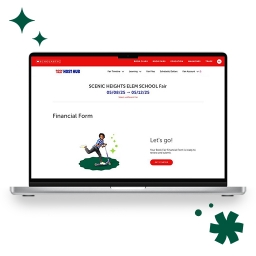
Complete Your Financials
- Start completing your Financial Form in the Host Hub.
- Consider your profit options! Choose Scholastic Dollars to get up to 50% in rewards.
- Mail your printed invoice, payment, and all required documentation to Scholastic within 7 days using the prepaid envelope.
Please note: All wireless transactions (credit and debit) are counted as one category in the Financial Form, and all cash sales (even those scanned through the Moneris® Go Retail POS) count as another.
Wrap-up Resources
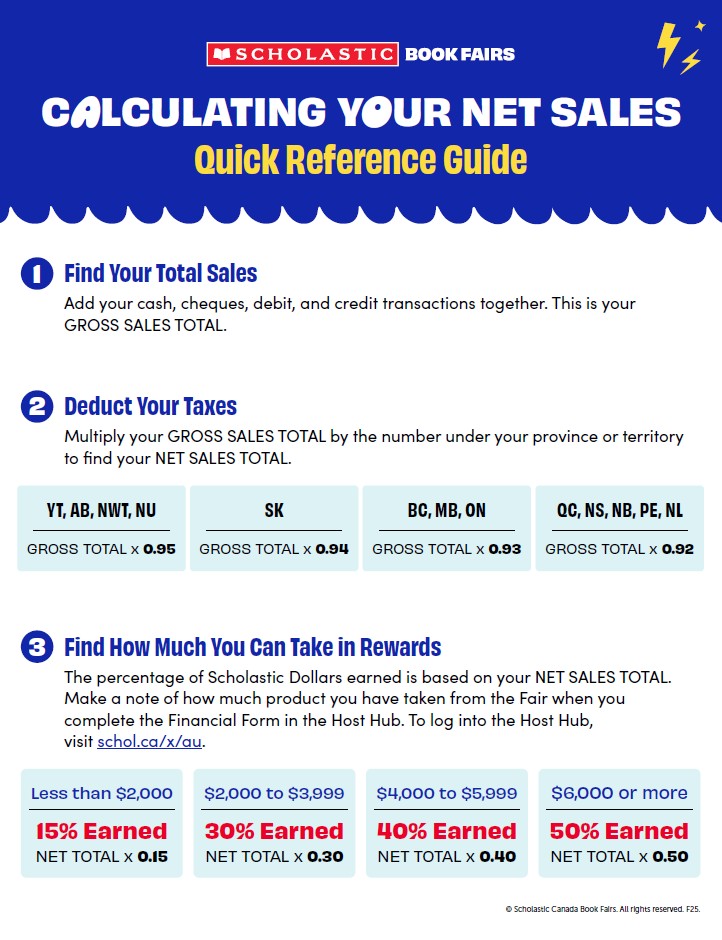
Calculating Your Net Sales
How to Place Product Rewards Orders

Tell Us What You Think
Your feedback helps us improve and evolve the Fair experience for every school—and we want to hear it all. (Really. Tell us everything.)
Take the Feedback SurveySay Thanks
Thank everyone who helped make your Book Fair a success!
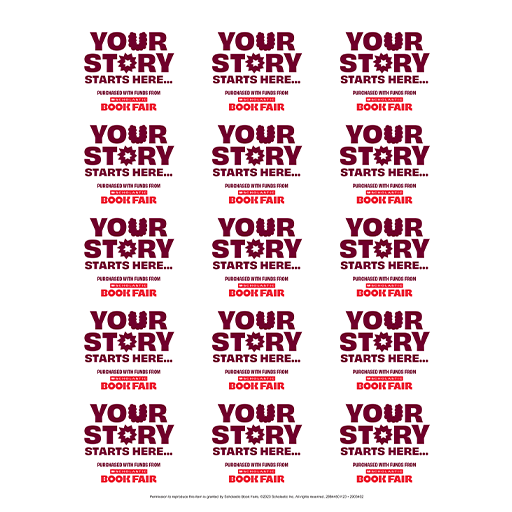
Scholastic Dollars Bookplates
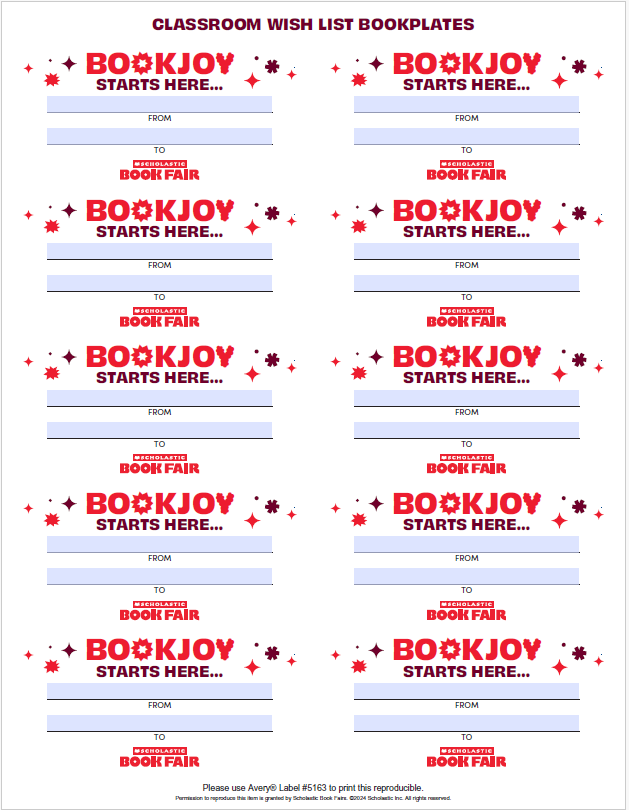
Classroom Wish List Bookplates

Thank You Social Post

We Did It Social Post
Got Questions?
Check the FAQs for quick answers. We’ve got your back!
More to Explore
Watch explainer videos and brush up on more helpful info in the Host Hub or Learning Lab.
Check It Out